

List and search for users
- Auth0 Dashboard
- Management API
To view a list of users, go to Dashboard > User Management > Users.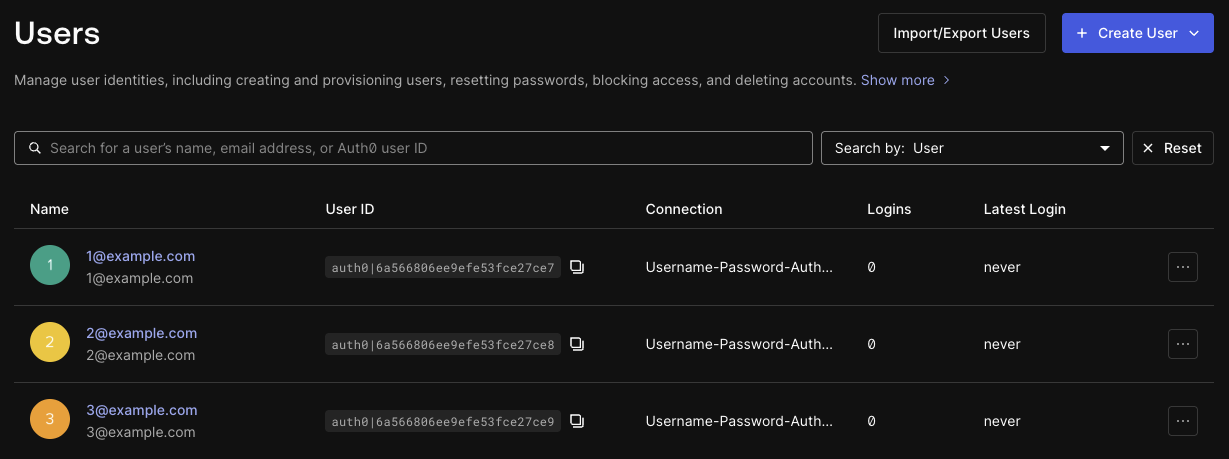 The search field and drop-down menu at the top of the page lets you search by the following properties:
- User
- Identity provider
- Connection
- Organization ID
- Login count
- Last login
- Phone number
Sort results
- Auth0 Dashboard
- Management API
In the Auth0 Dashboard, you can sort results by selecting the columns available in the table of users:
- Name
- User ID
- Connection
- Logins
- Latest Login